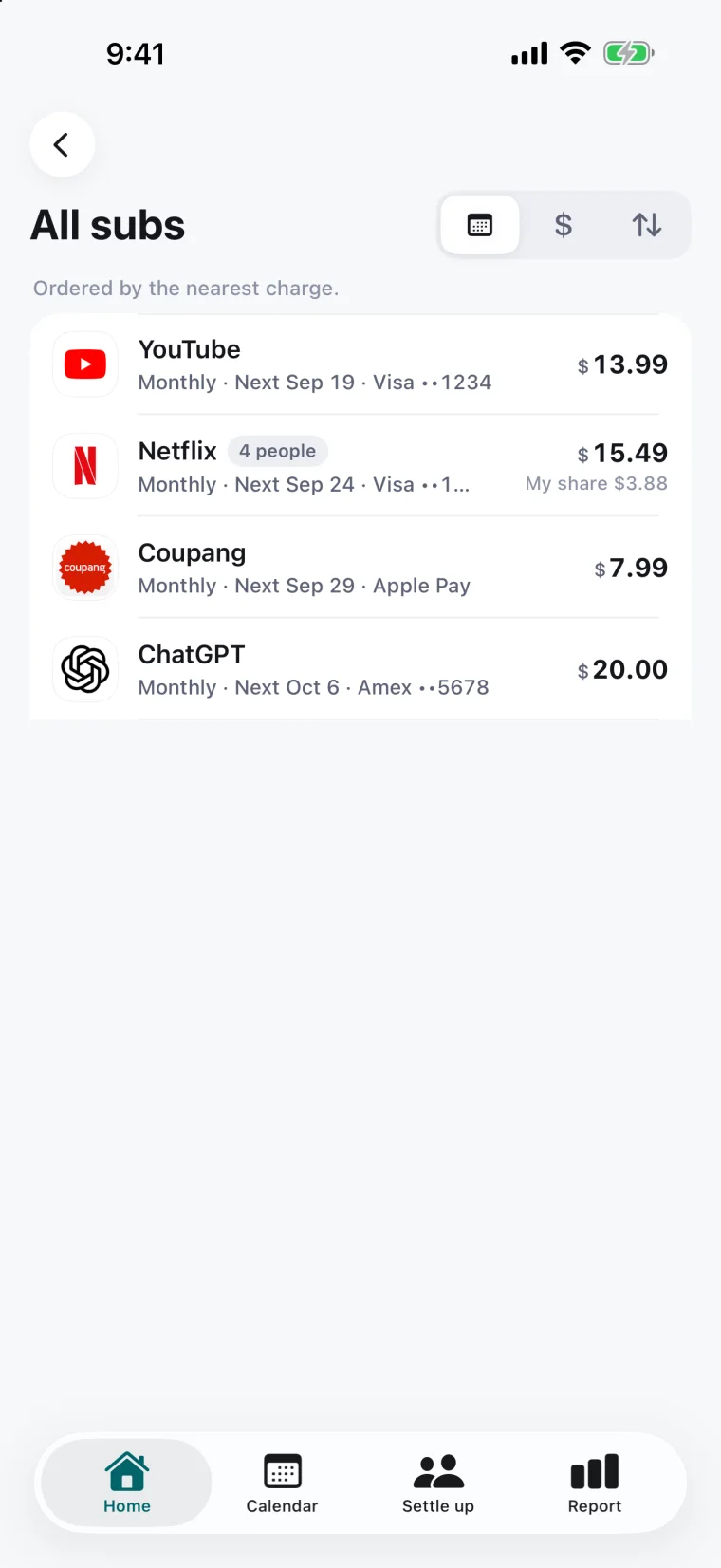
All subscriptions
What you pay for,tidied into one list.
Charge date, amount and payment method on one screen.
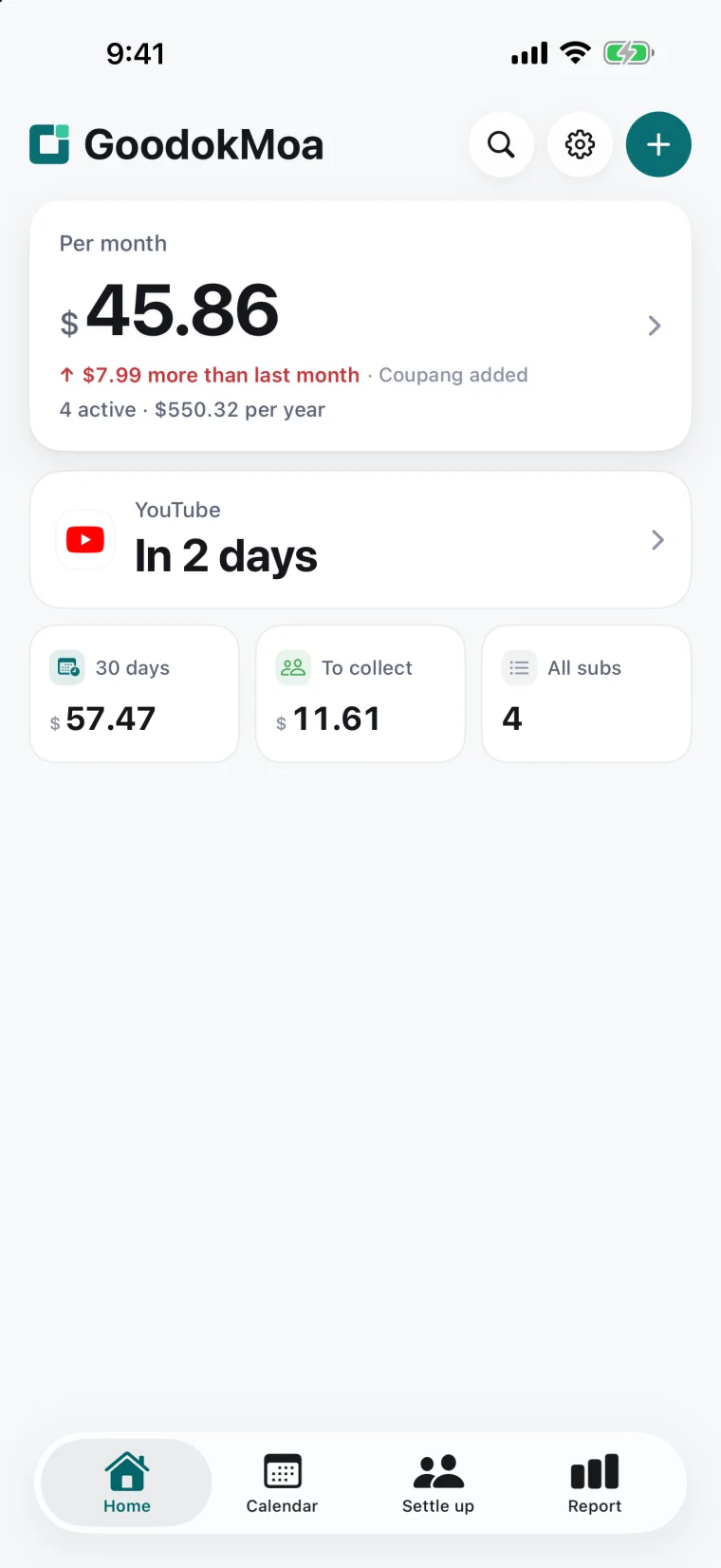
- Yearly subscriptions are divided by 12 and added to the monthly total
- Split subscriptions count only your share
- We also show what you no longer pay after cancelling
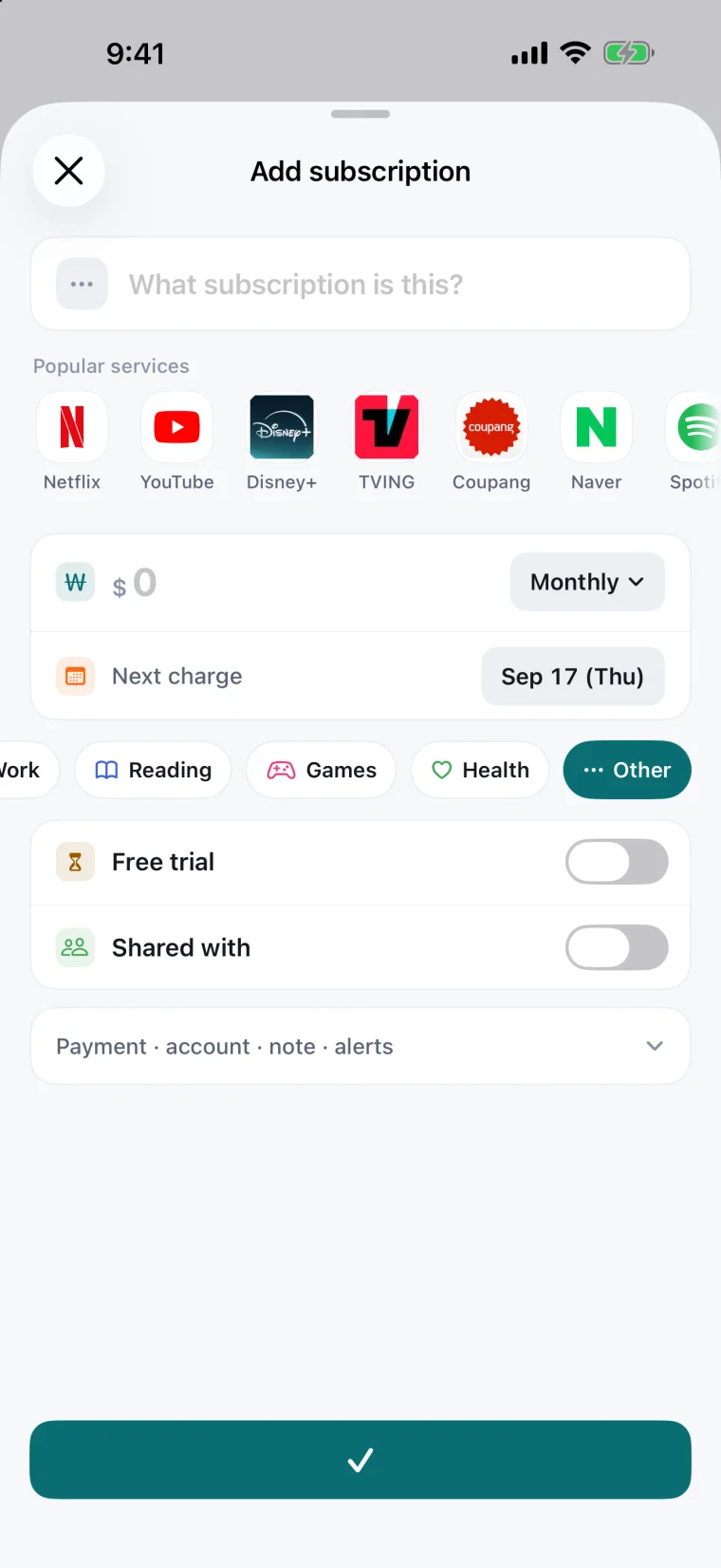
Add a subscription
Adding one,is mostly picking one.
Choose a service and the name and logo fill themselves in.
- Not on the list? We look up its App Store icon for you
- Free trial, people you share with, payment method, account and notes — all in one place
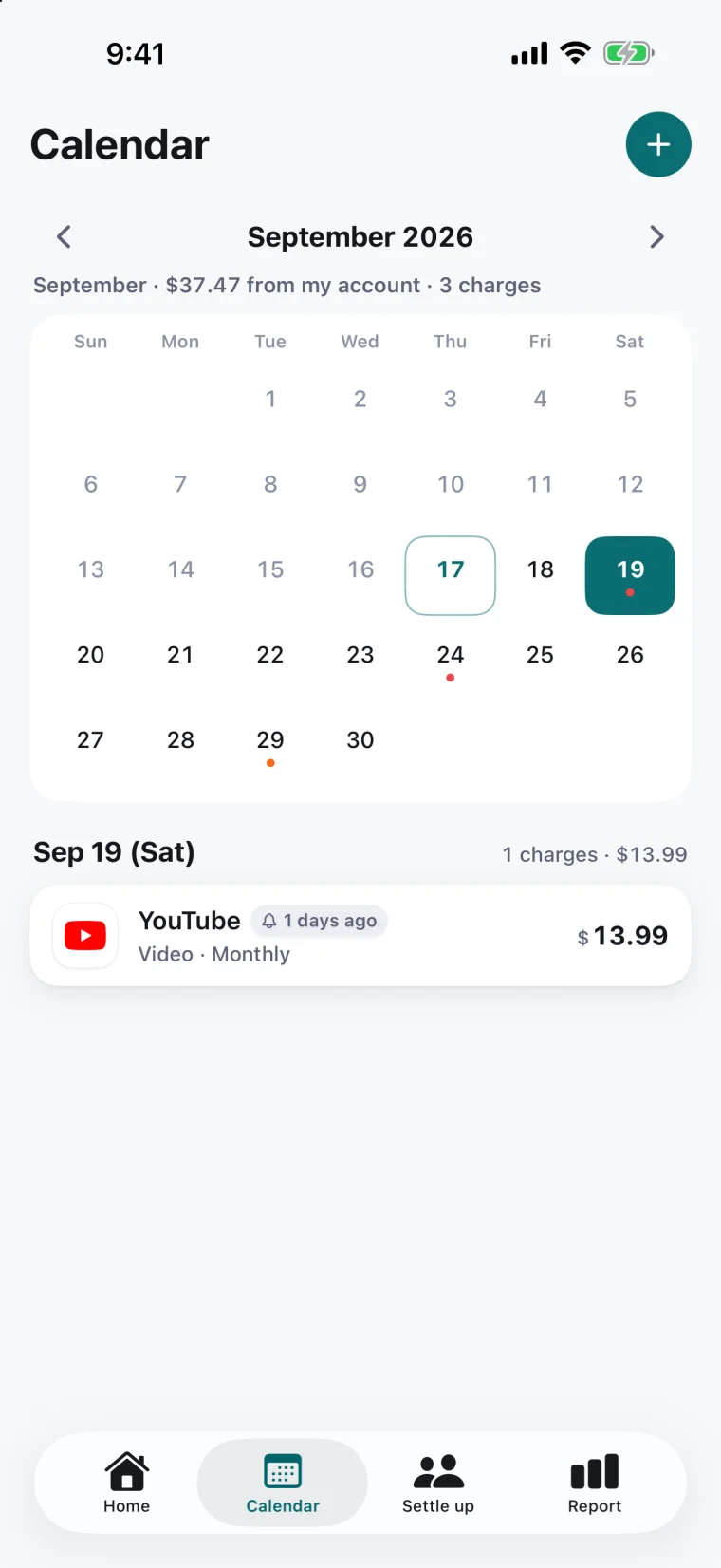
Calendar · alerts
When money leaves,laid out on a calendar.
Charge dates and amounts, together.
- Charge alerts — same day, or 1, 3 or 7 days before
- We tell you before a free trial ends
- App Store subscriptions get a day’s head start, because the deadline is 24 hours before renewal
Settle up
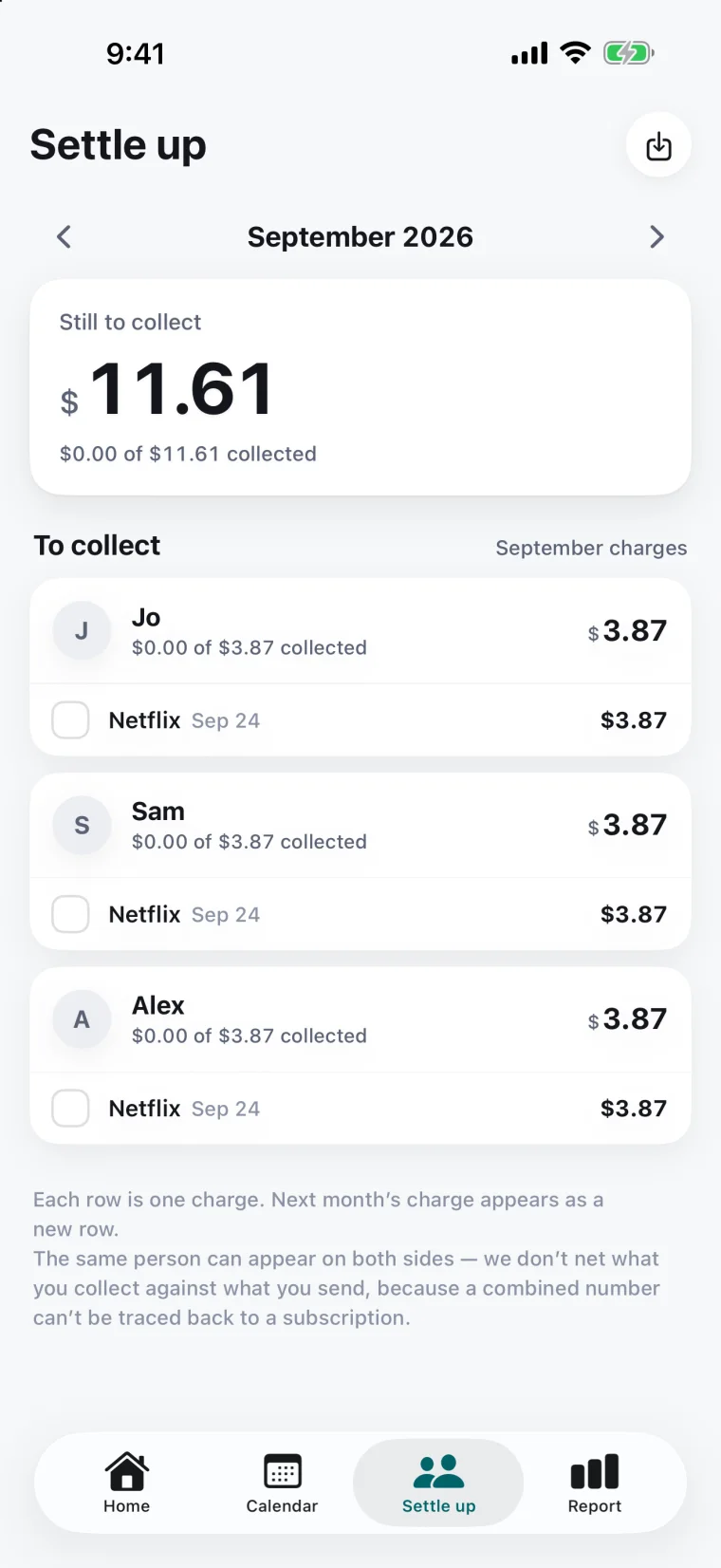
Shared subscriptions,settled cleanly.
Who owes what, and whether they’ve paid.
- Subscriptions split with family or friends, sorted by person
- Tick it off when you’re paid. Each month starts a new row
- Export the settle-up rows as CSV
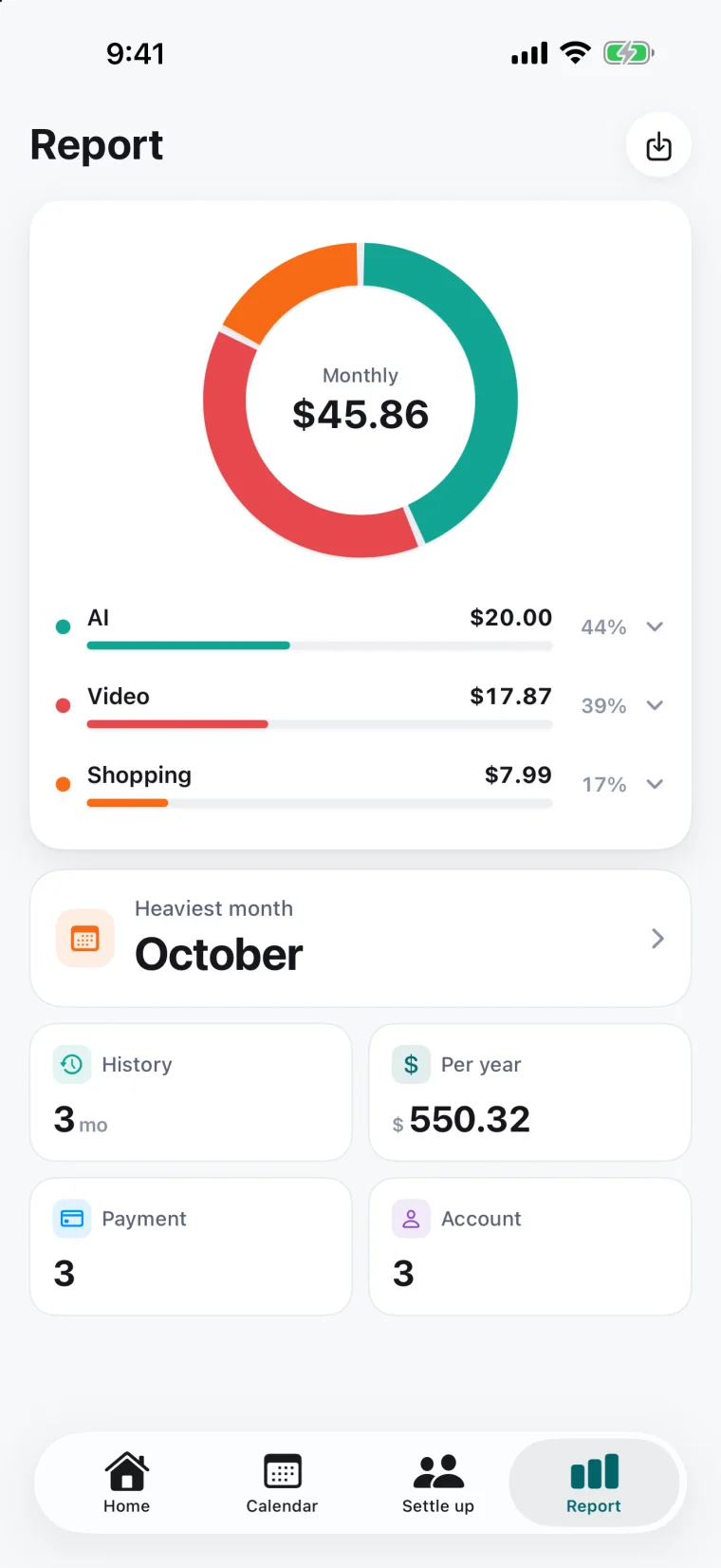
Report
Where the money goes,the report tells you.
Category split and the yearly equivalent.
- Totals by payment method — so you know which statement to check
- Your three most expensive subscriptions
- Save the report as a PDF